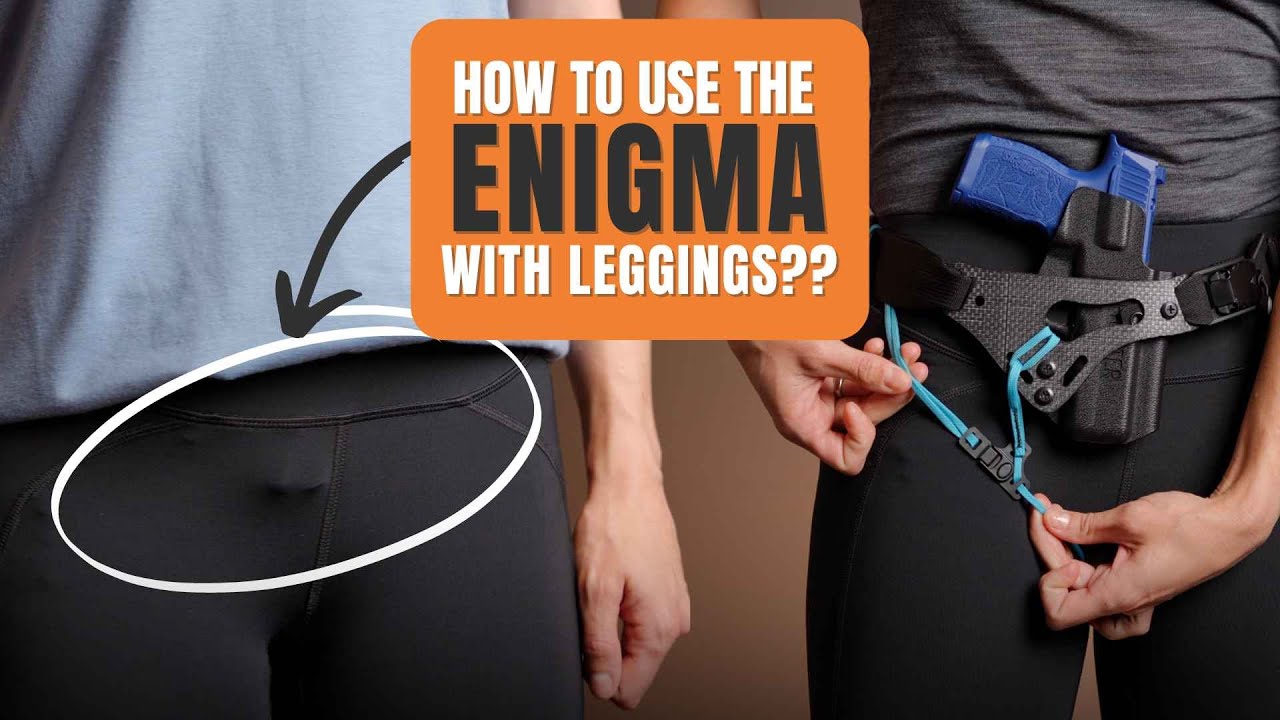
How To Assemble Your PHLster Enigma OS - Light Bearing
Learn how to assemble, adjust, and wear your PHLster Enigma OS – Light Bearing. “OS” stands for open source, and it means this model of Enigma works for many different light bearing holsters, as long as they meet all the compatibility requirements.
Below you’ll find an overview of all the possible adjustments, plus tips and tricks for concealment and comfort. Take some time to experiment with the different holster adjustments until you find the best setup for your unique body shape.
Please note – you MUST have a holster that meets ALL the compatibility requirements from the Enigma OS - Light Bearing fit guide – no exceptions. Do not attempt to make a holster work if it doesn’t have all four mounting points in the correct location. You’ll end up with serious safety and performance problems, as well as voiding your Enigma warranty. Just don’t.
Tenicor Holsters
Tenicor holsters are only compatible with the older V1 Enigma - click here for special instructions.
The Tenicor Sagax Lux, Malus Sol, Certum, and Velo are only compatible with the V1 Light Bearing Enigma. They require special steps to attach to the Enigma faceplate.
While the hole pattern of Tenicor holsters is still compatible with the new V2 Enigma, the hardware Tenicor supplies is not long enough, and these instructions will not work with the new V2 faceplate. Because Tenicor does not use standard holster hardware, you may have difficulty sourcing the appropriate hardware for installation. Therefore, we no longer recommend using the Enigma with Tenicor holsters.


Video Instructions
Please note – you MUST have a holster that meets ALL the compatibility requirements from the Enigma OS - Light Bearing fit guide – no exceptions. Do not attempt to make a holster work if it doesn’t have all four mounting points in the correct location. You’ll end up with serious safety and performance problems, as well as voiding your Enigma warranty. Just don’t.
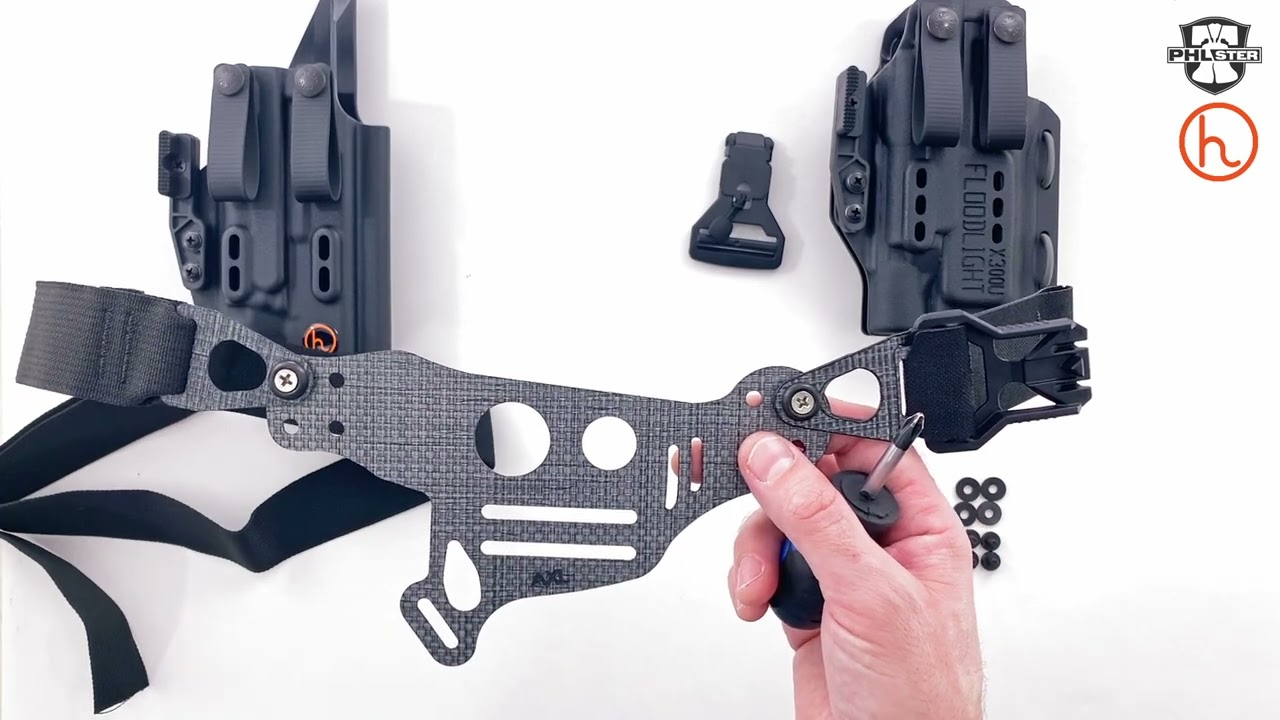
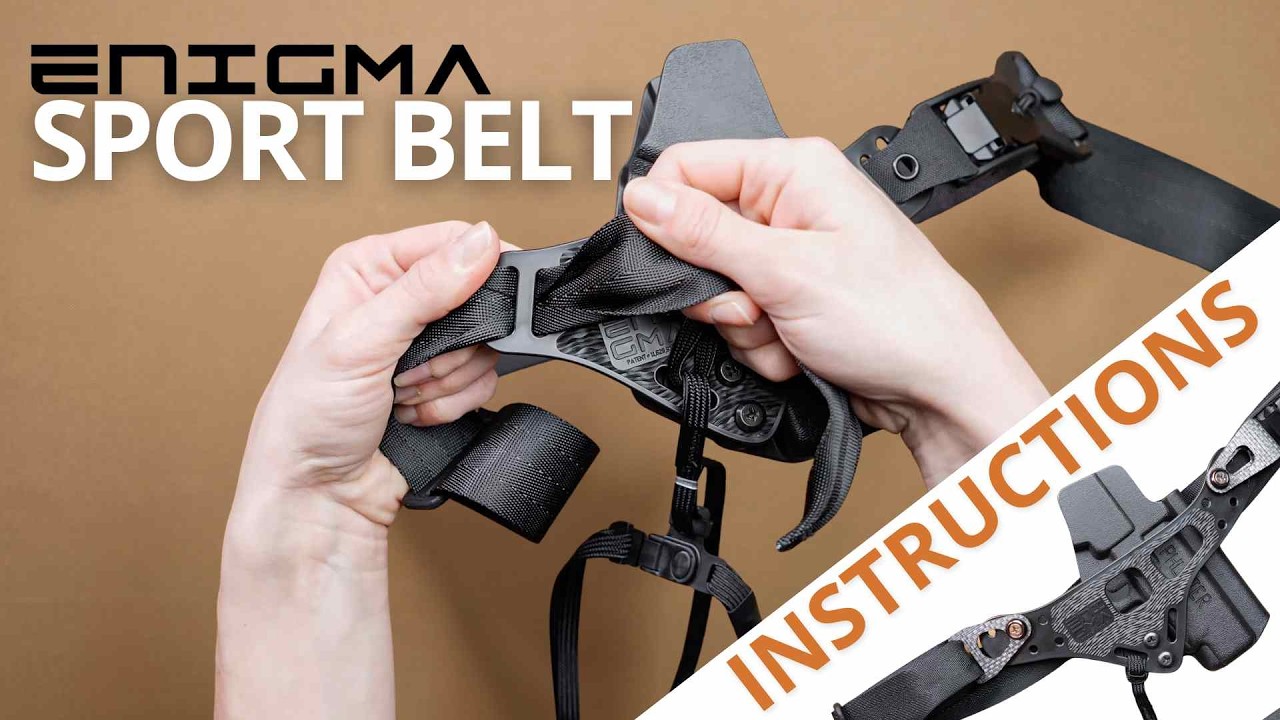
This video shows how to assemble the Enigma OS - Light Bearing. While your version might be slightly different, the steps are all the same. Note that the videos below show the updated parts.
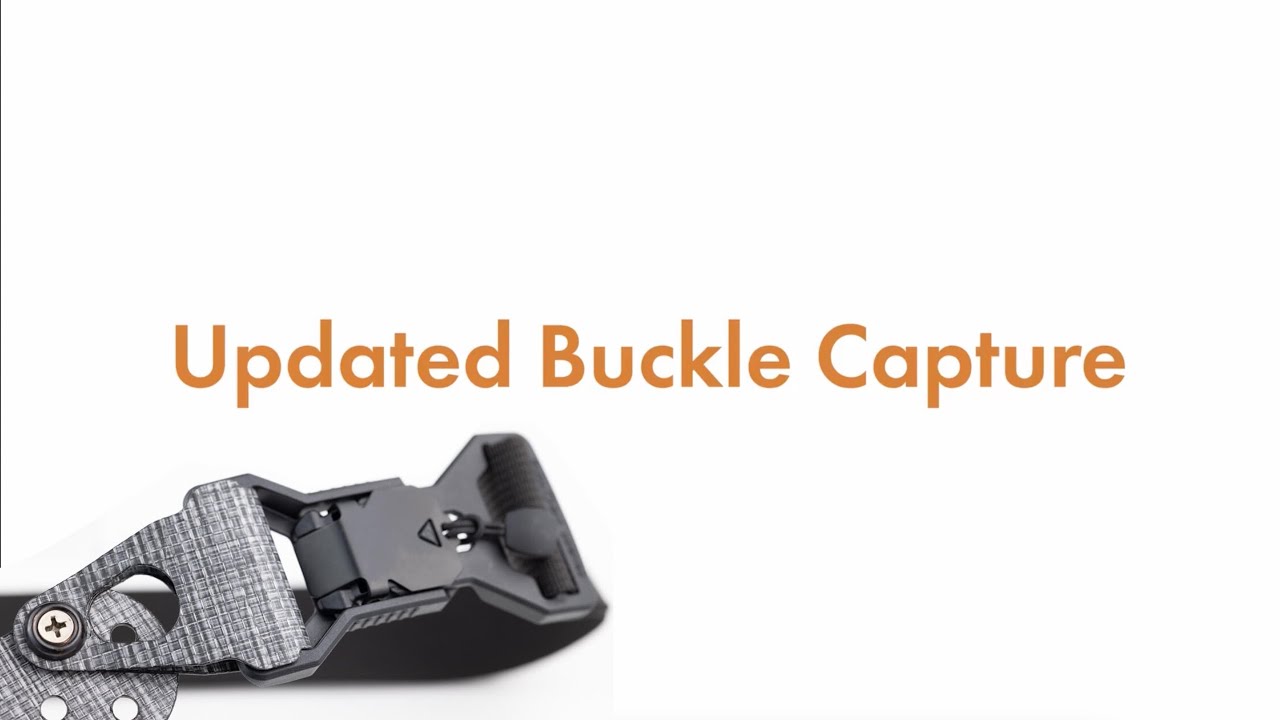
Updated Buckle Capture
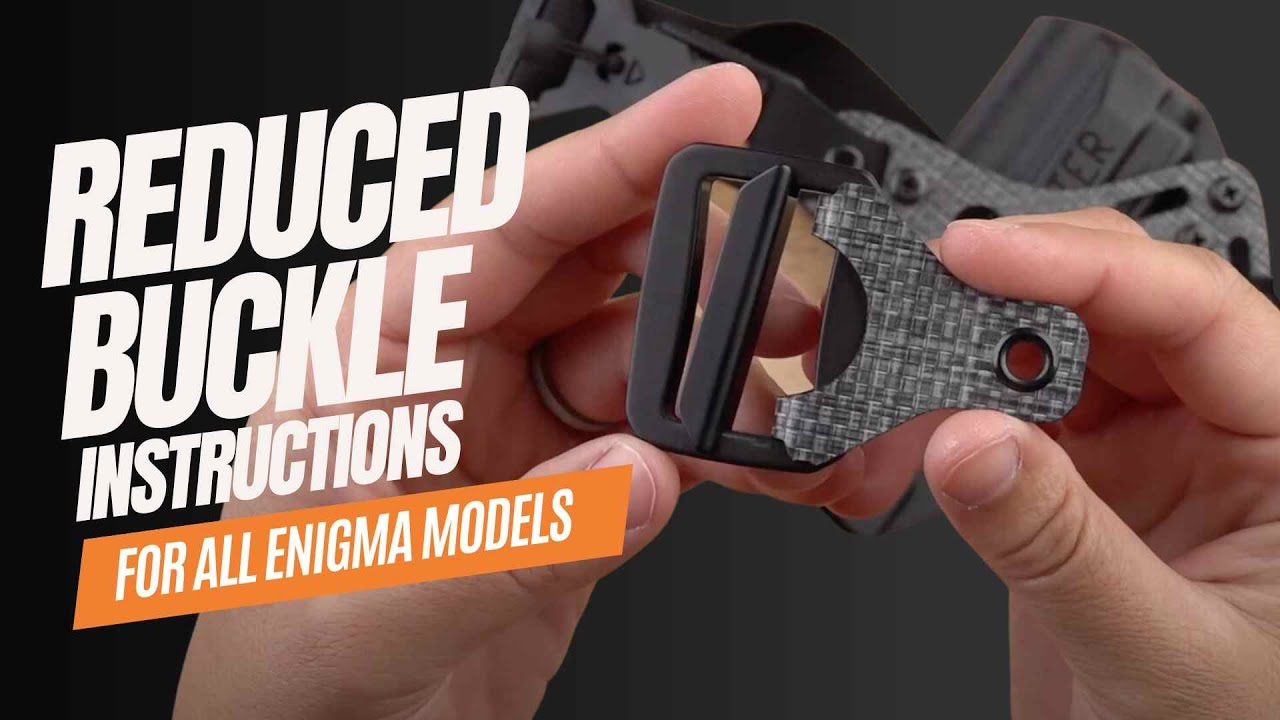
Your Enigma may have come with an updated buckle capture. Instructions for installing it can be found in the main instruction video. It installs on the Enigma faceplate just like the original, so you can follow the regular instruction video from here.
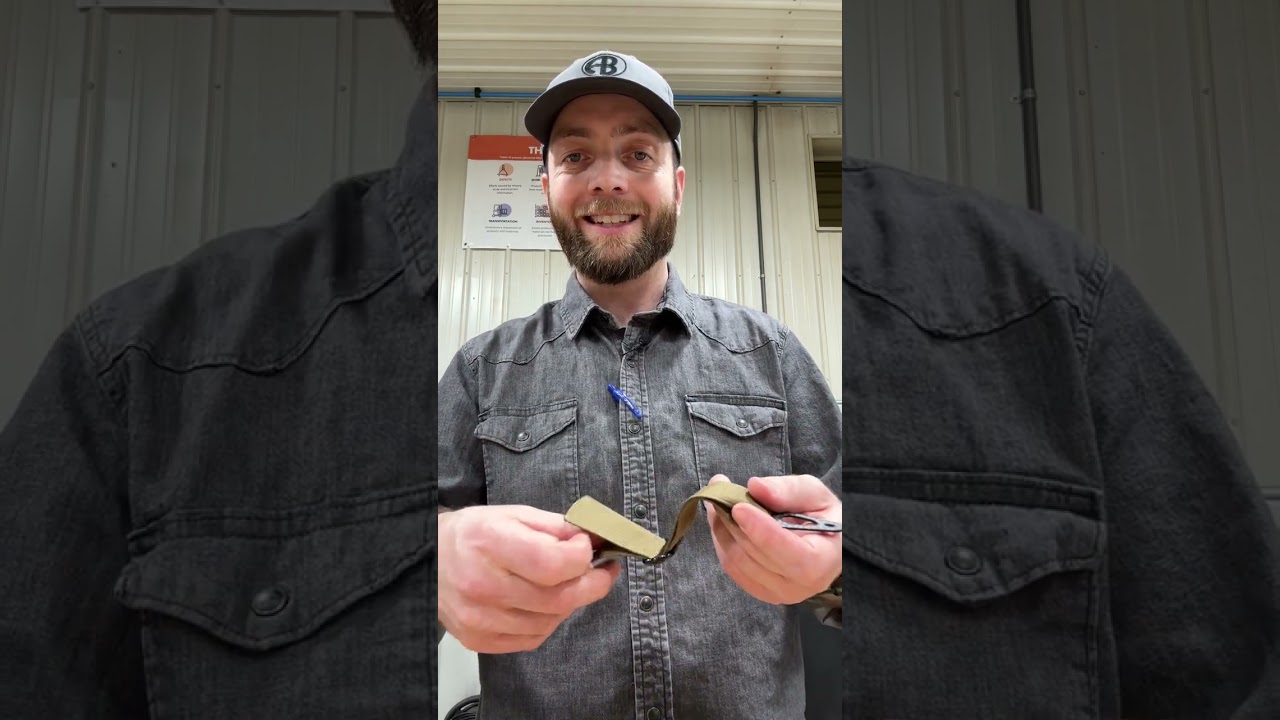
Updated Buckle Capture
More details on the updated buckle capture.
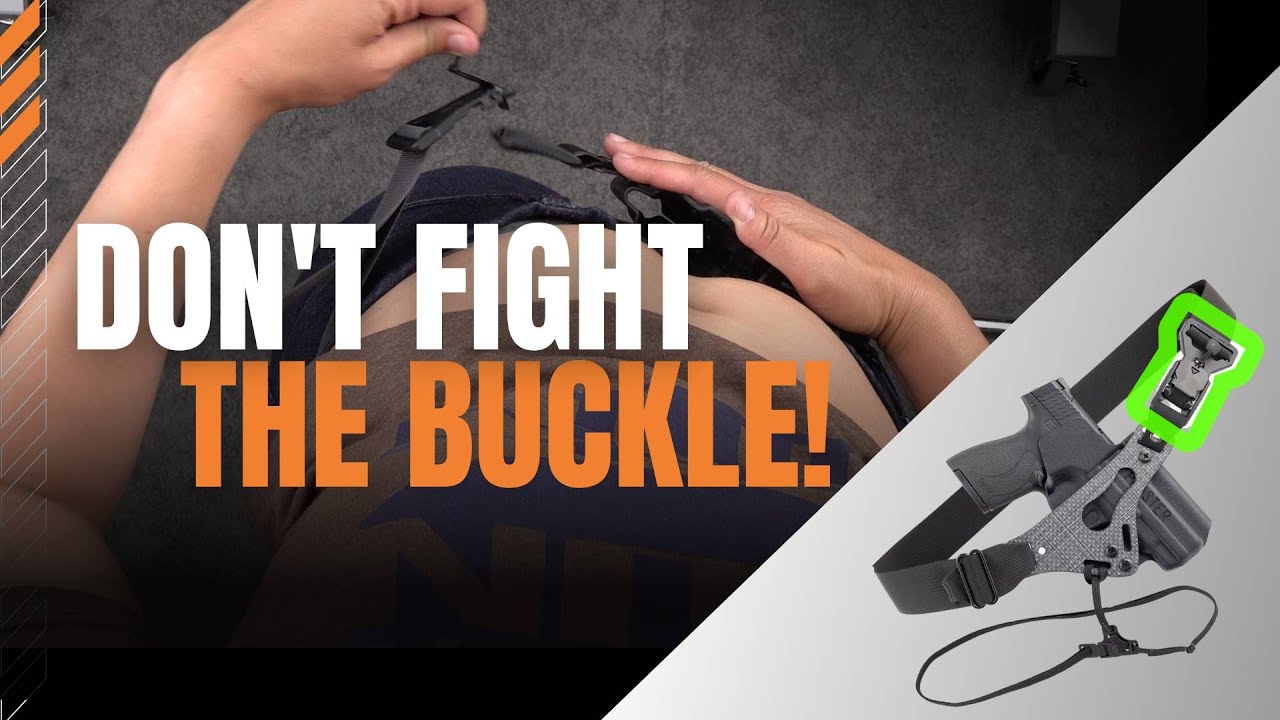
How To Use the Fidlock Magnetic Buckle Correctly
Here's how to use the Fidlock magnetic buckle that comes with your Enigma. You need to release tension on the belt first, then pull forward on the tab to unlock it. It should feel easy. Do not force the tab open under pressure, or you will break the latch.
Floodlight2 Holster Quick Start Guide
Are you using the PHLster Floodlight2 holster on your Enigma OS - Light Bearing? If so, make sure to go through these adustment steps!